
App patching settings within Orchard are broken down into two parts:
- Global app patching settings
- Per policy app patching settings
Global app patching settings
There are a few settings that apply to all devices using the Orchard app patching service, regardless of the policy they are assigned to. The first setting is the Patch Cycle duration:
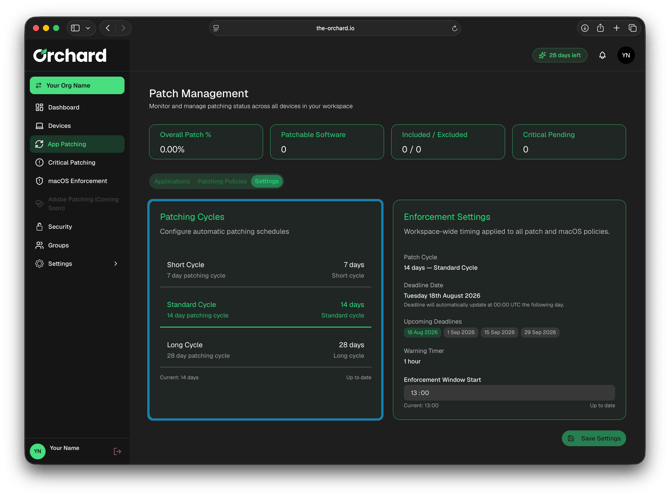
The Patch Cycle defines the frequency in which users will be forced to apply available app updates. The default value of 14 days, means users will get up to 14 days to install available app updates before they are forced.
To learn more about the app patch cycles in Orchard, please see this KB article: Explaining the Patch Cycles
The second configurable option is the specific time on the patch deadline day that users will be forced to patch.
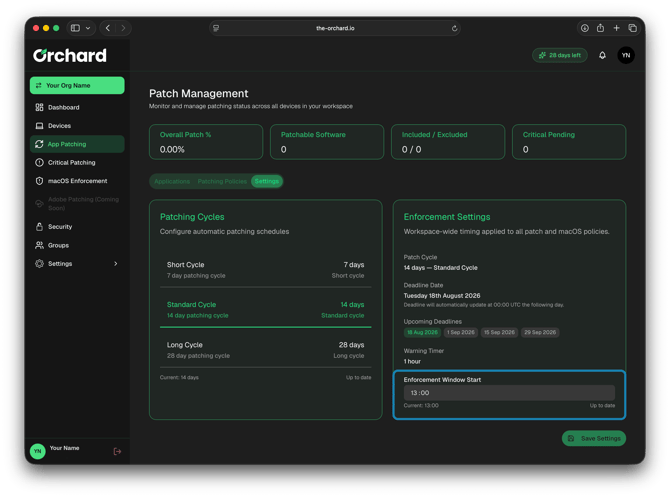
This is defaulted to 1pm (local device time), but can be adjusted if it doesn't suit your organisation.
Default App Patching Policy Settings
The remaining settings are stored in A default policy called "Default Patch Policy":
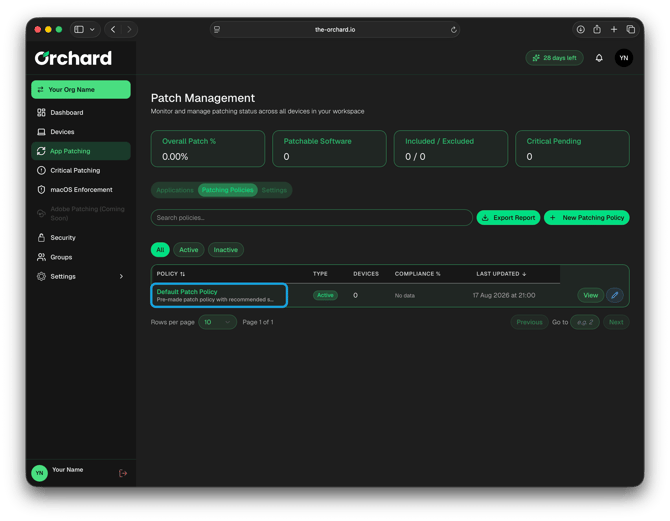
Inside the default patch policy, we have the following settings:
Patch Policy name and description
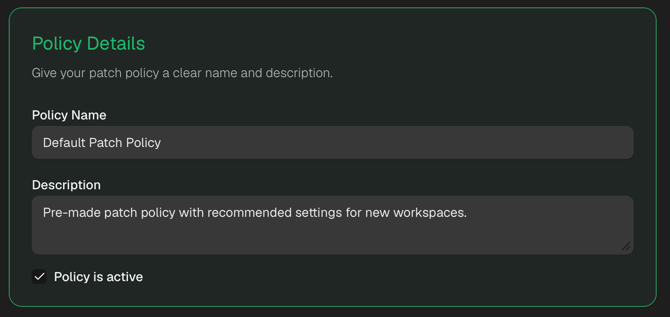
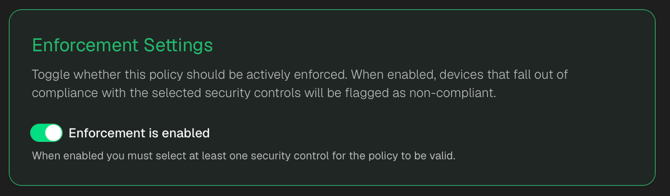
Patch Policy Enforcement Settings
This section provides a toggle to switch between app patch notifications only, and enforcement of the app patches. Enforcement is enabled by default.
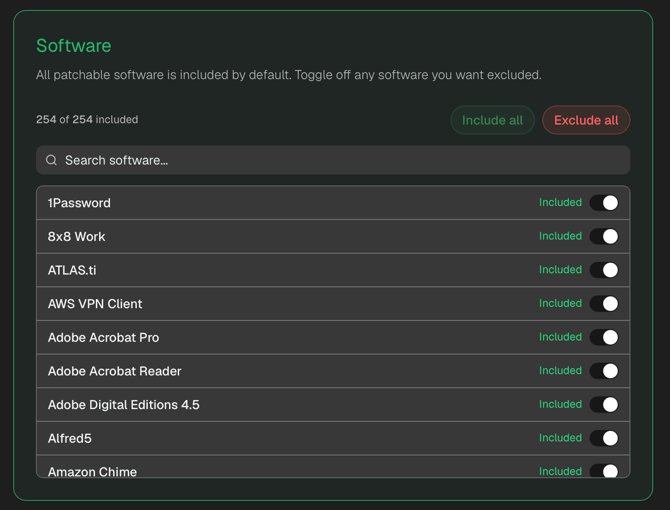
Included Software
In this section, we list all software available to be patched by Orchard. By default, Orchard will patch all compatible apps:
Target Scope
Lastly, we have the target scope for the patch policy. This is the device group(s) that this patch policy will affect.
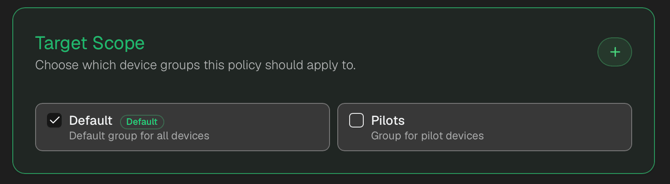
By default, we select the single "Default" group, where all newly enrolled devices are added.