
On first login to the Orchard platform, an initial setup wizard will be shown. This articles shows the screens you will see and what they mean.
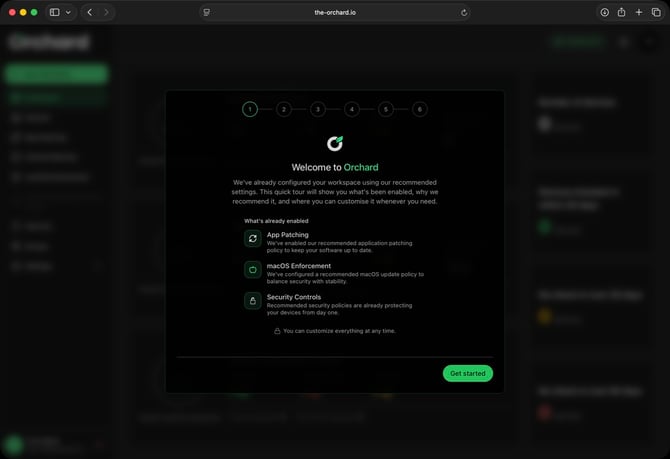
The first screen welcomes you to the platform:
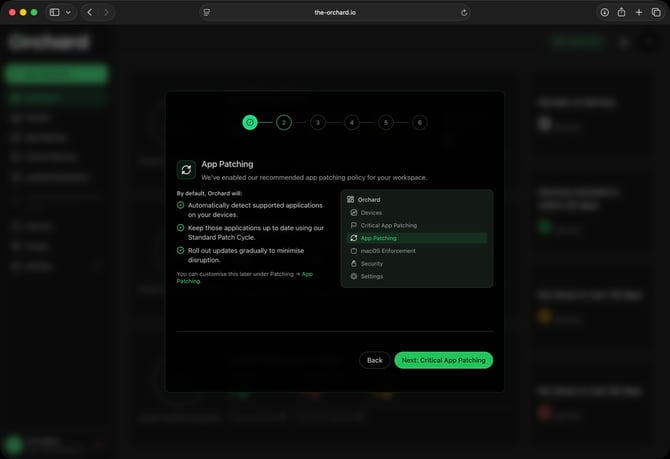
Next, we explain the default app patching settings, which are:
- Patch apps in cycles of 14 days
- Patch all available apps found on devices
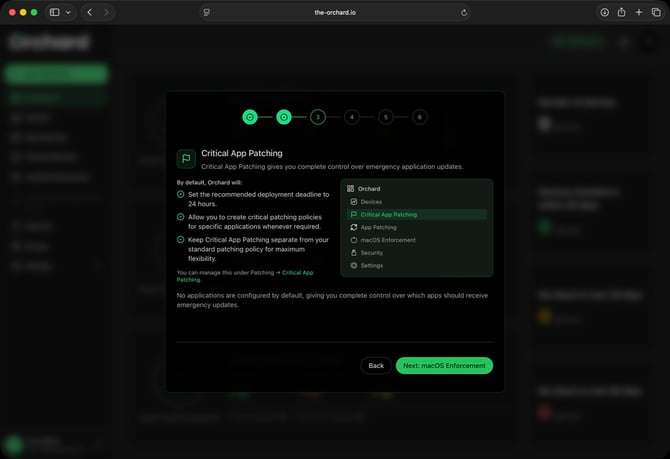
On the next screen, we briefly explain the Critical App Patching feature which can be used to expedite app updates to the latest available version, within 24 hours:
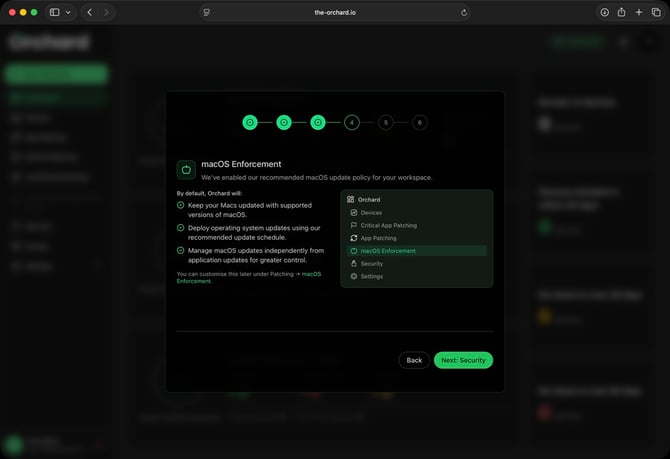
Next, we explain the default settings configured for macOS update enforcement, which are:
- Display reminders to users to update their macOS (if an update is pending)
- To restrict access to web browsers on the device if reminders are ignored for more than 7 days
Lastly, we specify the security settings that have been defined in the default policy. This includes a base set of security controls, with automatic remediation for any script based controls:
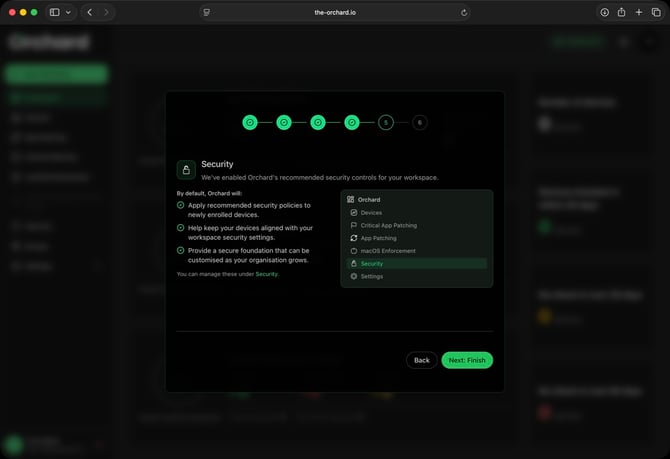
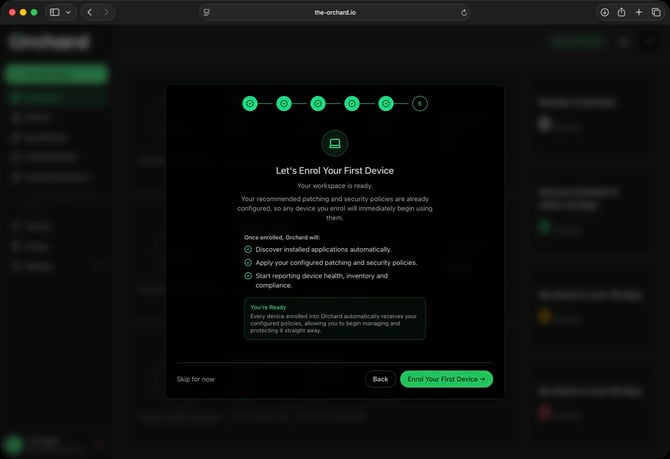
Click "Finish" and on the last screen, select "Enrol Your First Device" to get devices added to the Orchard platform:
Next: Enrolling your first device